Water Eject Sound—Remove Water from Phone Speaker Instantly
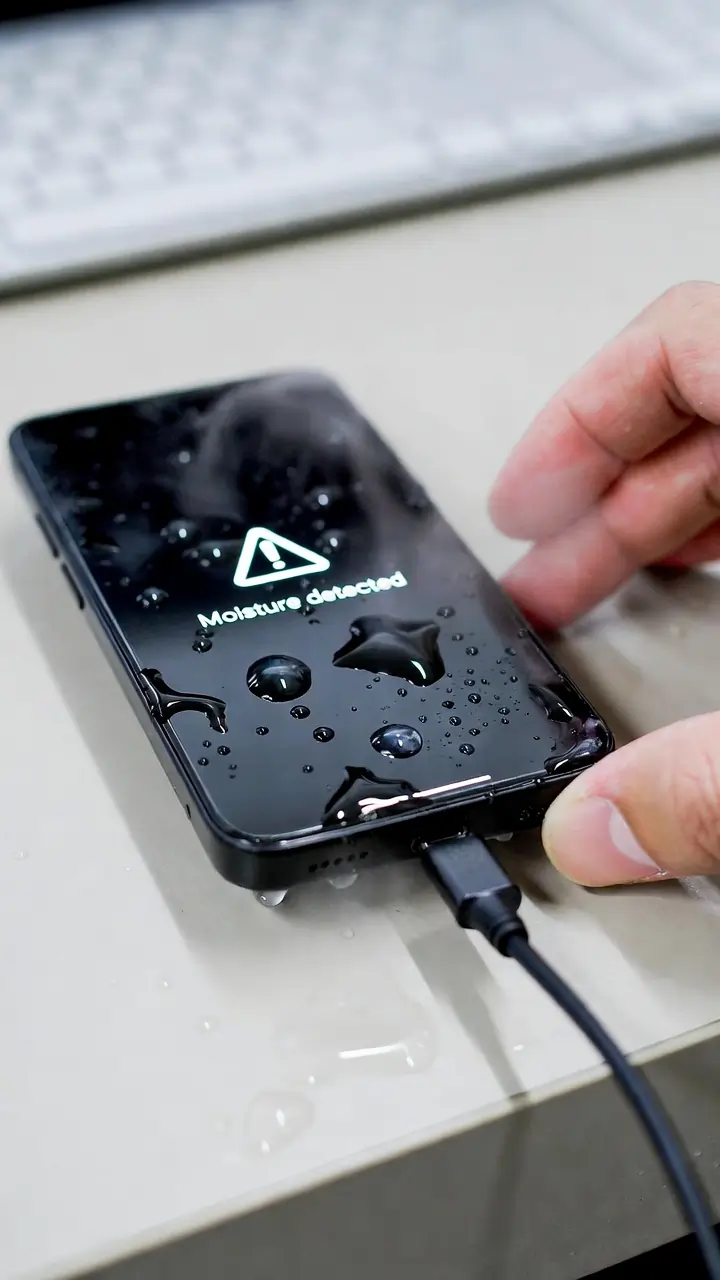
Have you ever noticed your phone speaker suddenly sounding low or muffled after getting wet? It’s a common problem, and many people think their speaker is damaged. I faced the same issue when my phone got wet, and the sound became almost unusable.
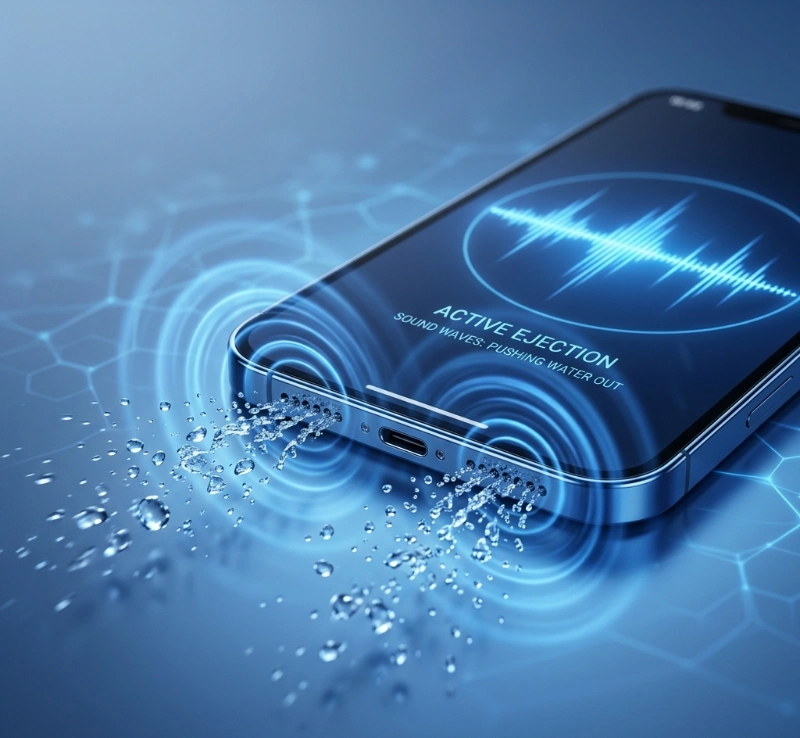
Instead of waiting for hours or trying random methods, I found a simple solution called the water eject sound. It uses sound vibrations to push water out of your speaker. If your speaker sounds blocked right now, you can fix it instantly using the Fix My Speaker tool.
Key Takeaways
- Water eject sound uses low-frequency vibrations to remove water
- Works best between 150Hz and 200Hz
- Fixes muffled speakers in minutes
- Safe when used at normal volume
- Works on iPhone, Android, and AirPods
- Better than rice or air-drying
Try Water Eject Sound Now (Instant Fix)
Open the water eject tool and press play.
This will push water out of your speaker, restore clarity, and quickly fix muffled audio. Most users see results in under a minute.
Signs Your Speaker Has Water Inside
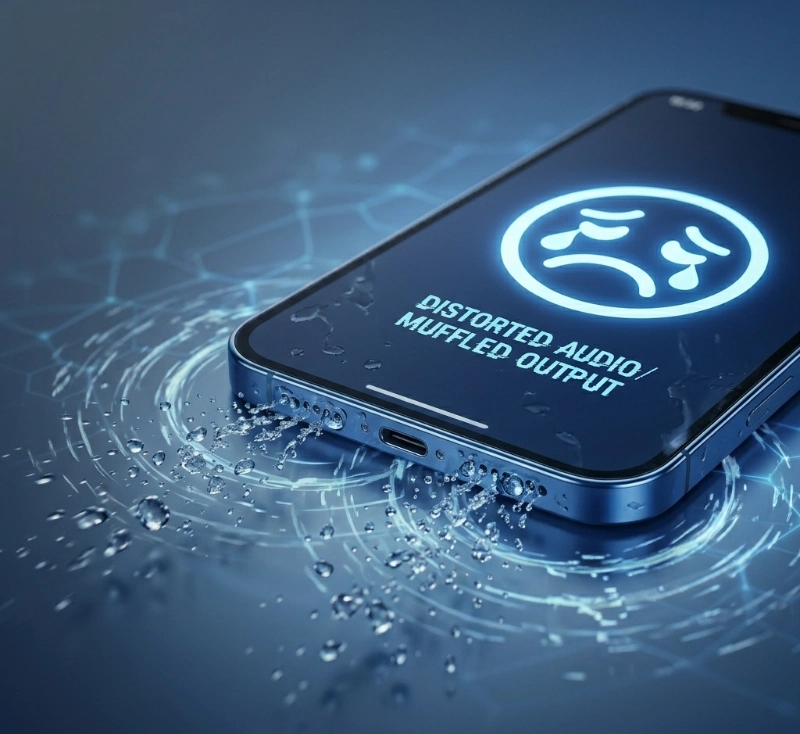
- Muffled or low sound
- Crackling noise
- Distorted audio
- Sound feels blocked
If you notice these, water is likely stuck inside your speaker.
What is the water eject sound?
A water eject sound is a low-frequency sound that creates strong vibrations inside your speaker.
Sound waves move the speaker rapidly. These vibrations shake trapped water and push droplets out. As a result, your speaker becomes clear again.
How Water Eject Sound Works (Simple Science)
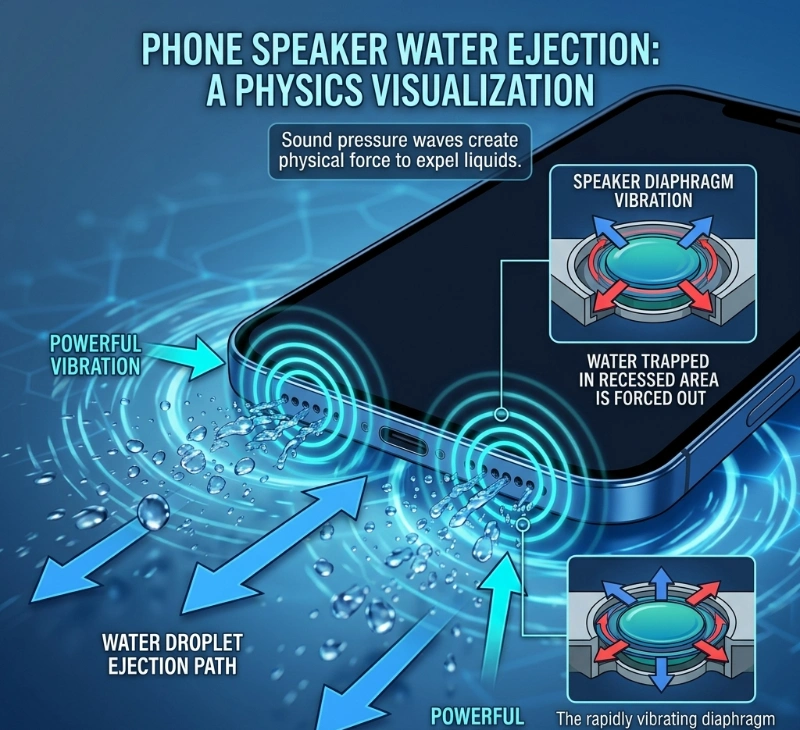
Your phone speaker vibrates when the sound plays. Low-frequency sound creates stronger movement.
These vibrations break surface tension, shake water loose, and push droplets outward. That is why a water eject sound works faster than air drying.
Best Frequency for Water Eject Sound
| Frequency | Effect | Best Use |
|---|---|---|
| 150–200Hz | Strong vibration | Water removal |
| 200–300Hz | Medium vibration | Light moisture |
| 300Hz+ | Low vibration | Dust cleaning |
Frequencies between 150Hz and 200Hz usually work best.
Step-by-Step: How to Use Water Eject Sound
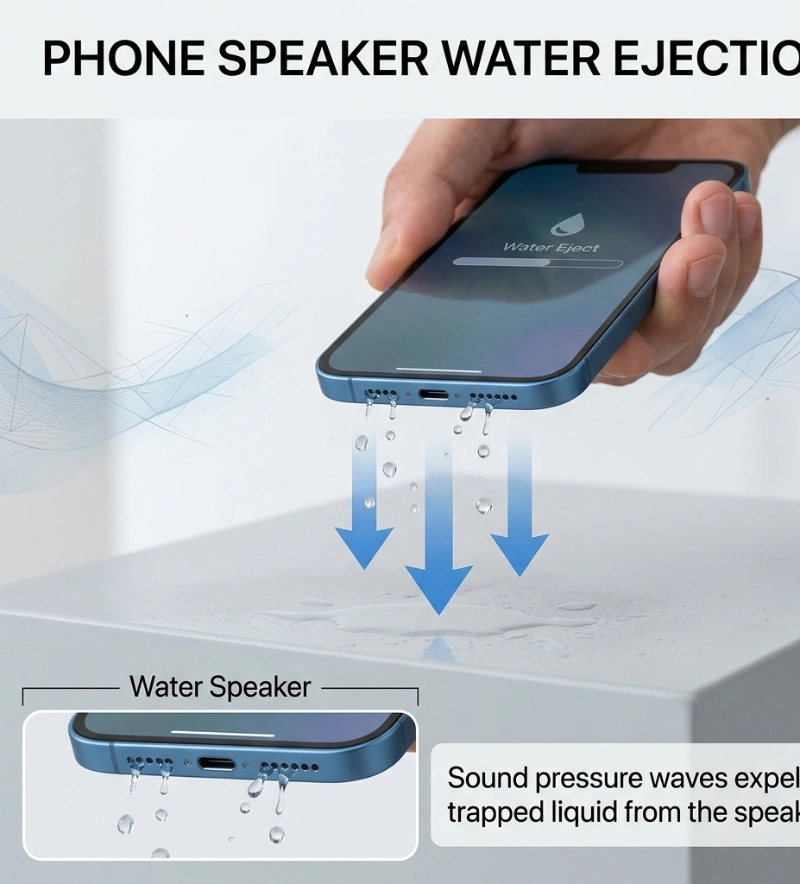
- Set volume to maximum
- Open a speaker cleaner tool
- Hold your phone with the speaker facing downward
- Press play
- Let it play for 2–3 minutes
- Repeat the process 2–3 times if needed
You may see water droplets come out. That means it is working.
Quick Test: Is Your Speaker Fixed?
After using the water eject sound, play music at full volume, make a call, and listen carefully. If the sound is still low, repeat the process.
Best Practices for Better Results
- Use maximum volume
- Keep the speaker facing downward
- Repeat 2–3 times
- Use in a dry environment
iPhone vs. Android—does it work the same?
Yes, it works on both devices.
iPhone has a strong vibration system and similar features in Apple devices. Android works well with browser-based tools and offers flexible sound control. In both cases, the water eject sound works effectively.
Can Water Eject Sound Fix Muffled Speakers?
Yes, in most cases. If water is the main issue, it can restore normal sound. However, if there is hardware damage, results may be limited.
Before vs After Using Water Eject Sound
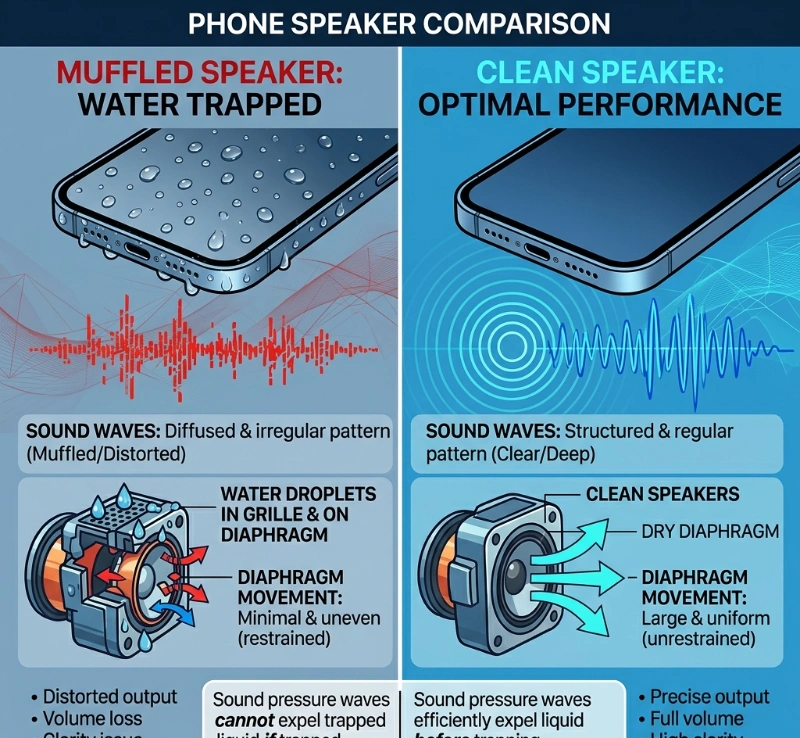
| Condition | Before Using Sound | After Using Sound |
|---|---|---|
| Sound Quality | Muffled / unclear | Clear / normal |
| Volume | Reduced | Restored |
| Audio Clarity | Distorted | Sharp |
| Experience | Frustrating | Smooth |
Water Eject Sound vs Other Methods
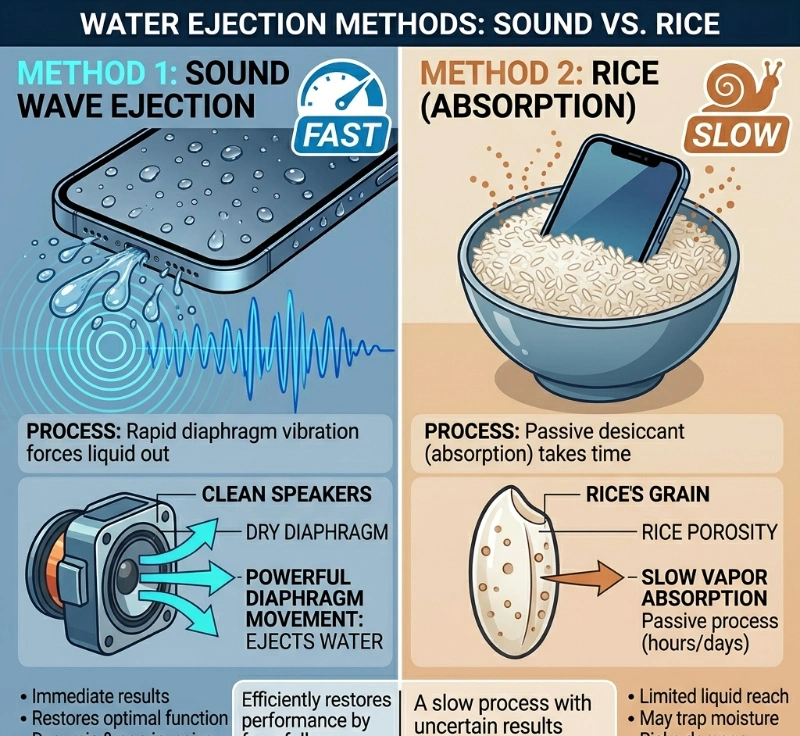
| Method | Speed | Safety | Effectiveness |
|---|---|---|---|
| Water eject sound | Fast | Safe | High |
| Air drying | Slow | Safe | Medium |
| Rice method | Very slow | Limited | Low |
Sound-based cleaning is the fastest and most effective option.
What NOT to Do After Water Damage
- Do not use heat
- Do not insert objects
- Do not shake your phone hard
- Do not rely only on rice
Rice may help slightly, but it is slow and unreliable.
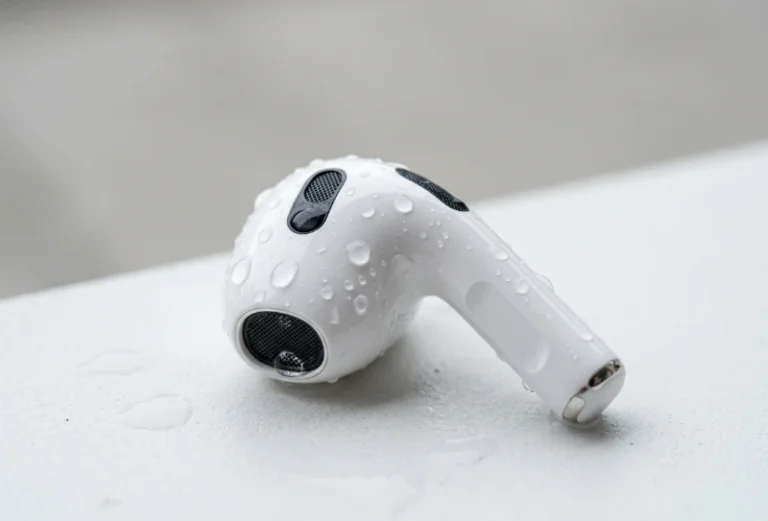
Can You Use Water Eject Sound for AirPods?
Yes, it works for AirPods, earbuds, and Bluetooth speakers. Use moderate volume.
When the water eject sound may not work
- Deep internal damage
- Dirt or mud blockage
- Broken speaker
When to Seek Professional Help
If there is no improvement after multiple attempts, crackling continues, or sound is completely gone, this may indicate hardware damage.
If the problem continues, it could be hardware damage. You can explore real repair solutions shared by users in this detailed discussion.
Water Eject Sound Not Working? Try This
Repeat the process, change the phone angle, increase the volume, and clean visible dirt. If the issue continues, the problem may not be water.
FAQs About Water Eject Sound
Final Thoughts
From my experience, a water eject sound is one of the fastest and safest ways to fix a muffled speaker caused by water. I have used this method multiple times, and in most cases, it restored the sound within minutes without any damage. However, it is important to use it correctly and understand its limits. If water is the main issue, this method works very well. But if the problem is deeper, you may still need repair. Overall, it is a simple solution that can save you time, stress, and unnecessary repair costs.