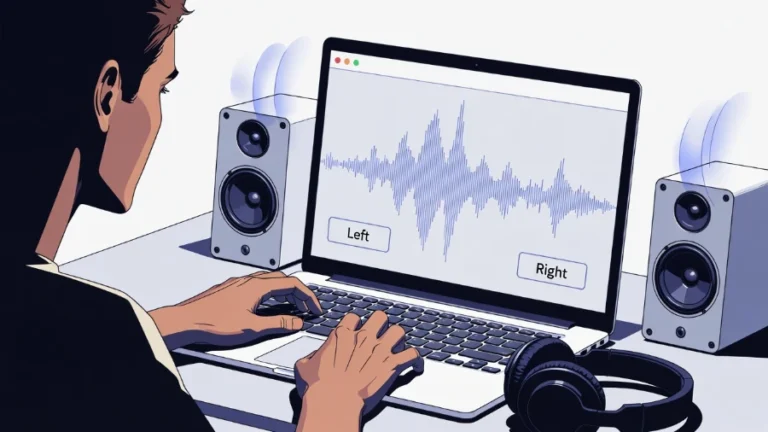
Water Eject AirPods: Fix Muffled Sound in 2 Minutes (Free Method)
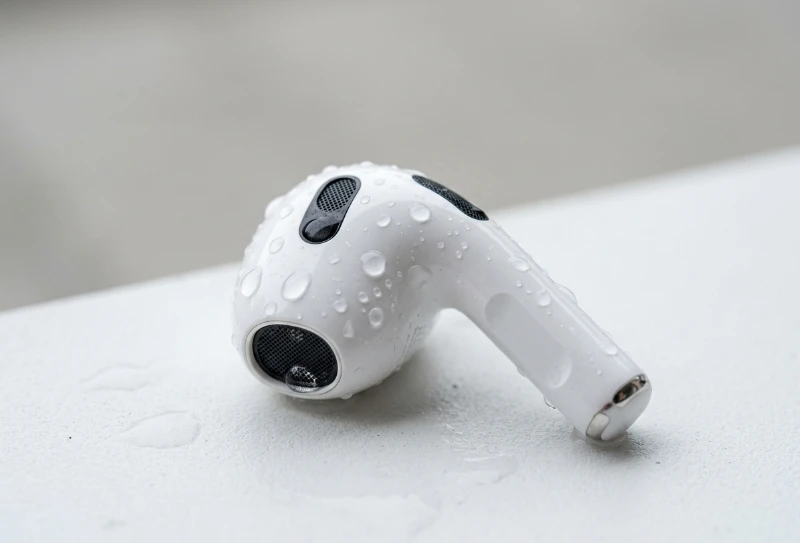
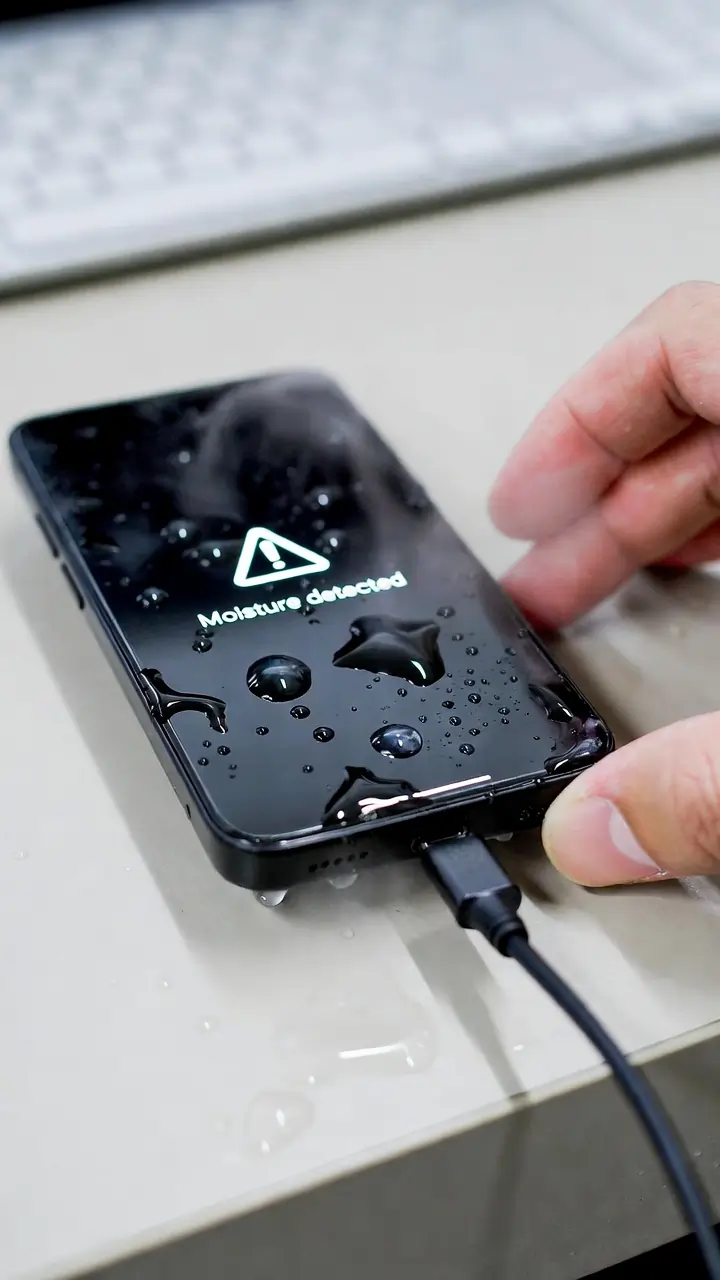
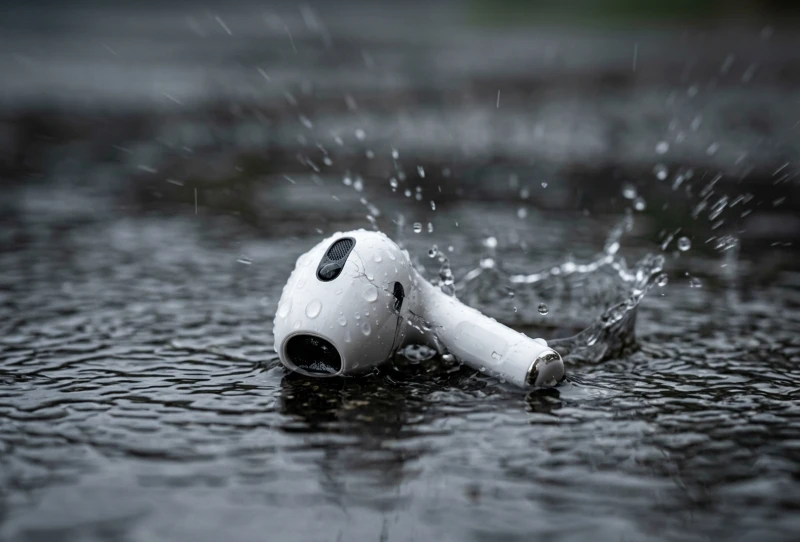
Your AirPods fall into water. Maybe it was rain, sweat, or even the washing machine. Now the sound is low or muffled, or one side is not working at all. Currently, most people panic. These earbuds are expensive, and it feels like they are permanently damaged.
I have been in this situation myself with my Apple AirPods. The first time, I tried random tips online, and some made things worse. After carefully testing different methods, I learned what actually works and what to avoid. In this guide, I will share safe, proven steps to remove water and restore your AirPods to normal.
QUICK ANSWER
If your AirPods are wet, act fast.
Dry them with a soft cloth. Then play a water eject sound at high volume for 1–2 minutes. Thereafter, leave them in a dry place for 24 hours.
This works best for light water exposure.
Key Takeaway
- Act fast to prevent damage
- Do not charge wet AirPods
- Use water eject sound for quick results
- Let them dry for at least 24 hours
- Avoid heat or pressure
Play Water Eject Sound for AirPods (Try Now)
If your AirPods sound muffled, use this method first.
Try It Now:
Use this water eject sound tool to remove water instantly.
What to Do Immediately After AirPods Get Wet
Please follow these steps promptly:
- Remove AirPods from your ears
- Disconnect them from your device
- Do NOT put them in the charging case
- Do NOT charge them while wet
- Dry the outside with a soft cloth
Are AirPods Waterproof?
Devices like Apple AirPods are not waterproof.
They are only water-resistant. They can handle sweat or small splashes, but not full water exposure.
For official care and safety guidelines, you can check Apple’s support page.
How to Fix Your Water-Damaged AirPods
You may notice:
- Muffled sound
- Low volume
- Crackling noise
- One side is not working
Dry the Exterior of Your AirPods Using a Lint-Free Cloth
Use a soft cloth. Gently wipe your AirPods. Remove all visible water.
Dry the Interior of Your AirPods with the Water Eject Sound
Water can get trapped inside the speaker mesh.
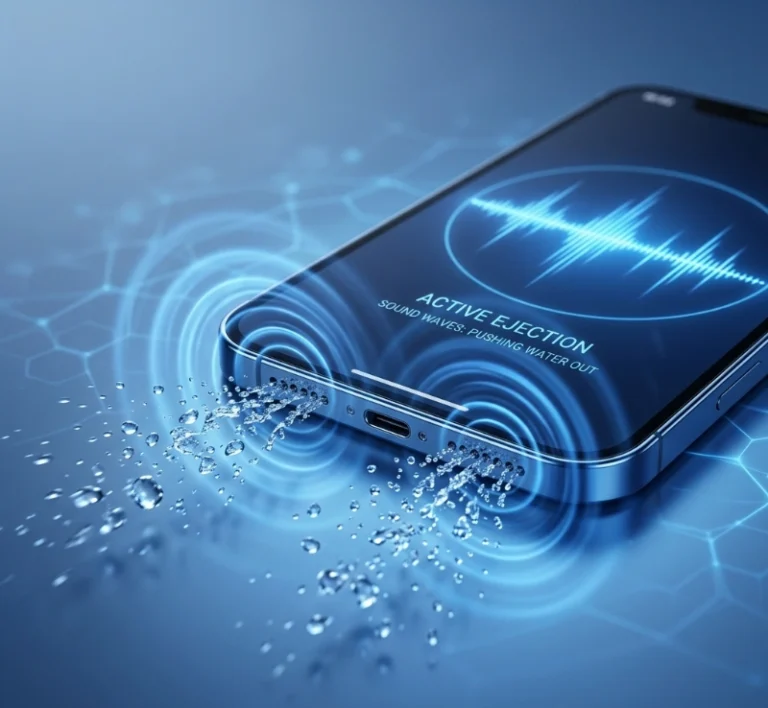
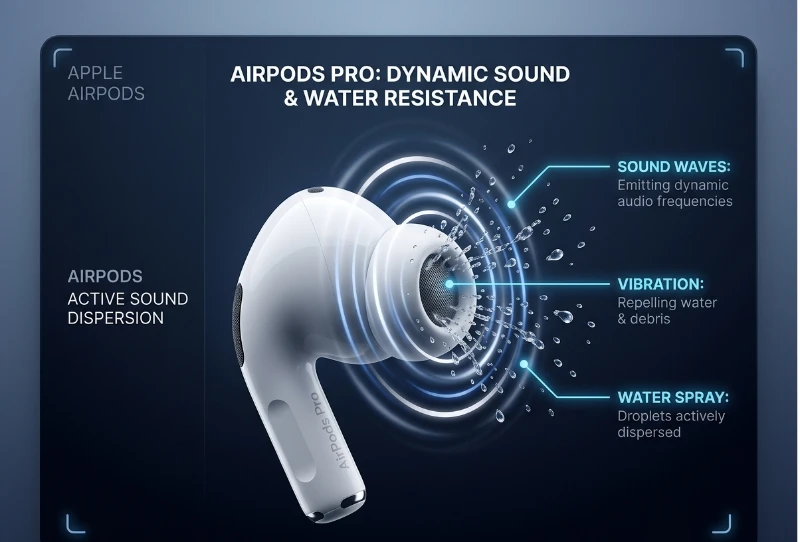
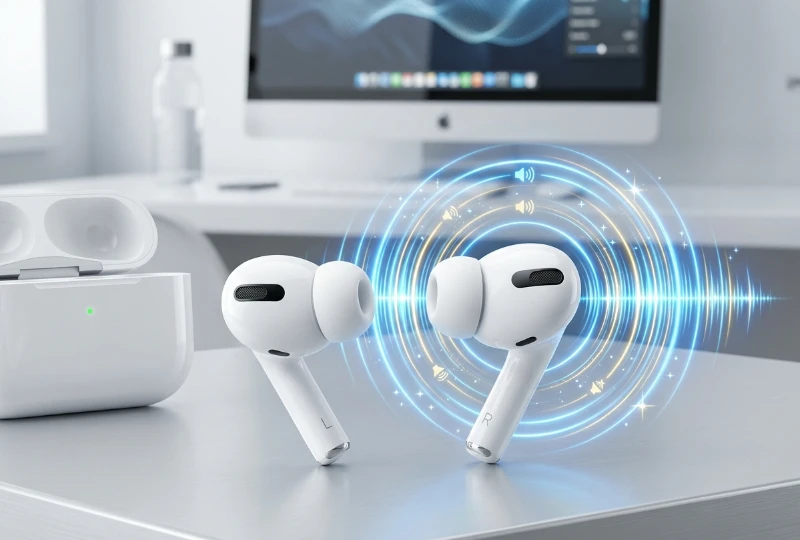
Play a low-frequency sound at high volume. This creates vibration and pushes water out.
Why Water Eject Sound Works
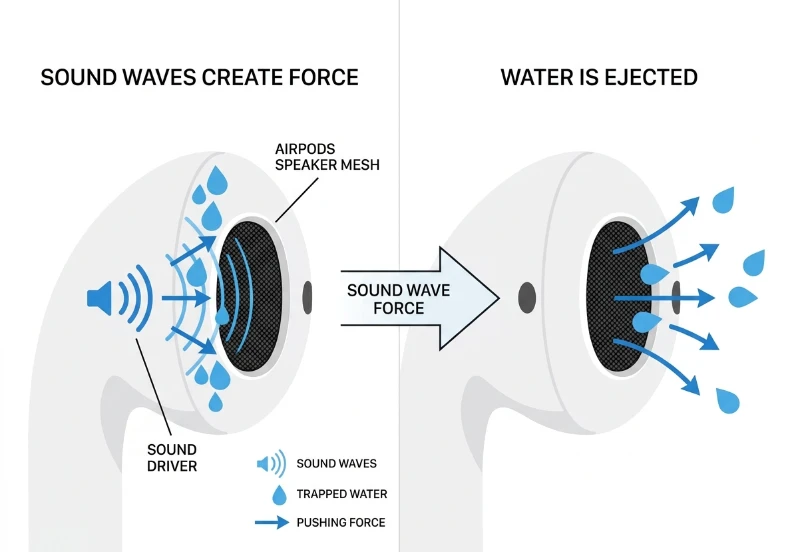
Simple Explanation:
Sound waves create vibration inside the speaker.
This vibration pushes trapped water out of small holes.
Leave the AirPods in a desiccant.
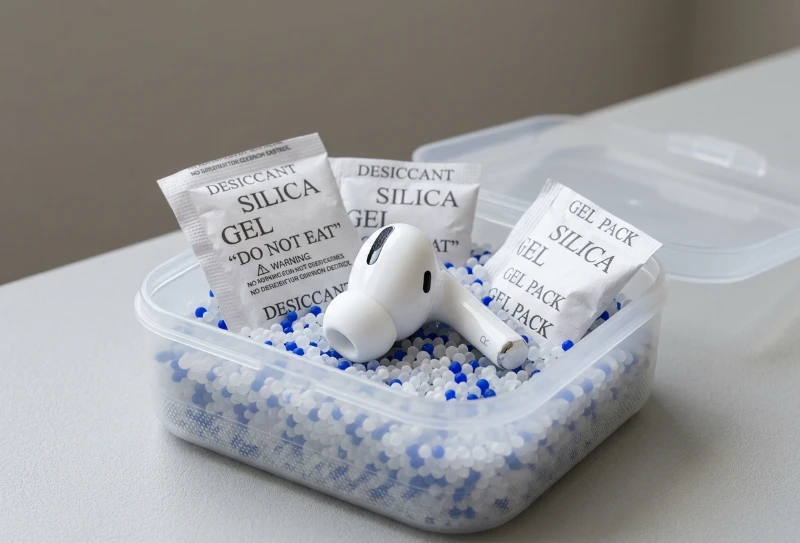
Place your AirPods in silica gel or a dry area for 24 hours.
Rice may help somewhat, but it is not very reliable and can leave dust.
Fix Based on the Problem
| Problem | Cause | Solution |
|---|---|---|
| Muffled sound | Water in speaker mesh | Use sound + dry 24h |
| Low volume | Moisture blockage | Repeat sound method |
| One side not working | Internal moisture | Dry + reconnect |
| Crackling noise | Water + debris | Clean + sound method |
What NOT to Do
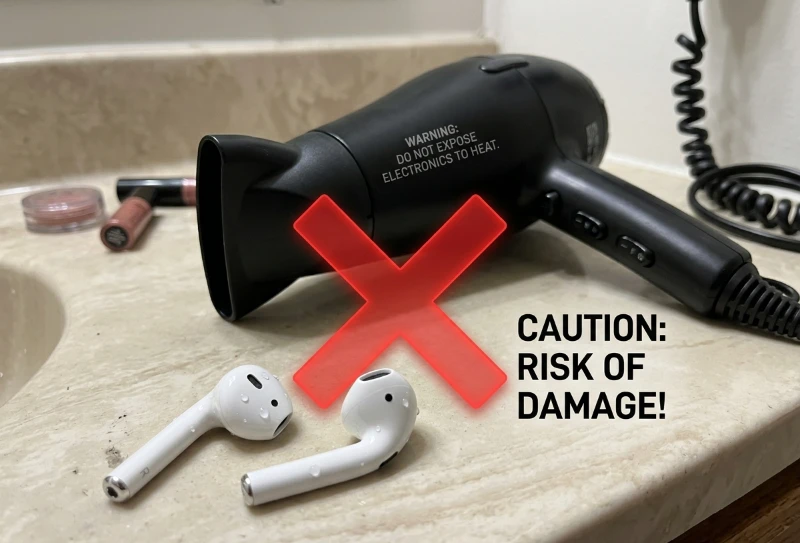
⚠️ Warning:
- Do not use a hair dryer
- Do not insert objects into the speaker
- Do not shake too hard
- Do not charge wet AirPods
- Do not expose them to heat
How Long Does It Take to Fix AirPods?
- 1–2 minutes: Sound eject effect
- 24 hours: Basic drying
- 48 hours: Full recovery (in some cases)
Recovery Timeline
| Time Frame | What Happens | What You Should Do |
|---|---|---|
| 0–2 minutes | Water inside | Play sound |
| 1–24 hours | Moisture drying | Keep in dry place |
| 24–48 hours | Full drying | Test sound |
| After 48 hours | Possible damage | Consider repair |
Save Your AirPods (Before You Buy New Ones)
AirPods are expensive. Try these methods before replacing them.
Does AppleCare Cover Water-Damaged AirPods?
Water damage is not always covered.
How to Replace Your AirPod Buds or Case
You can replace:
- One AirPod
- Both AirPods
- Charging case
Water Eject AirPods Tools
Tools like Water Eject AirPods: WaterDrop use sound to remove water.
Headphones, Frequency Cleaner
These tools use sound waves to push water out of speakers.
Ratings & Reviews
Users report improved sound after using these methods.
Important Charging Case Warning
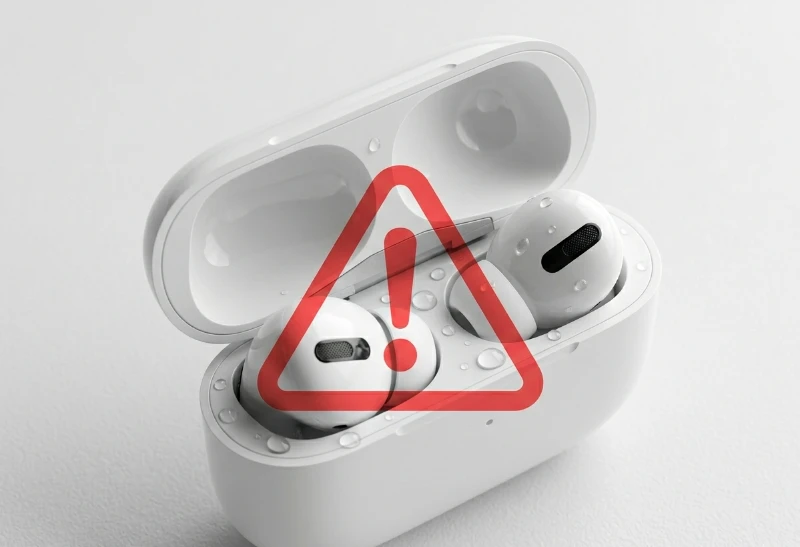
The charging case is sensitive. Always dry it fully before use.
What If Your AirPods Still Don’t Work?
- Reset AirPods
- Test on another device
- Contact support
- Consider replacement
Conclusion
From my experience, water damage in AirPods often looks worse than it really is. In many cases, the issue is just trapped moisture, not permanent damage. I have tested these methods multiple times, and simple steps like sound vibration and proper drying can restore sound if done correctly. The most important thing is to act quickly, avoid risky mistakes, and follow the right process. If your AirPods still do not work after trying everything, then the damage may be internal, and replacement is the safer option—but it is always worth trying these fixes first.