

Fix My Speaker Volume (Boost Sound & Restore Clear Audio Fast)
Many users experience muffled sound, crackling audio, or low volume when water, dust, or debris gets trapped inside the speaker grill.
Over time, this buildup can block sound output and reduce clarity, making your speaker sound weak even at full volume.
A sound-based cleaning method uses controlled vibrations to push out water and debris, helping restore clear and balanced audio.
If you want a quick fix, you can use our Fix My Speaker tool to clean your speaker instantly and improve volume in seconds.
Why Do You Need to Fix Your Speaker’s Volume?
Clear and balanced volume ensures better sound quality, safer listening, and longer life for your everyday devices.
How Does Volume Affect Your Speaker’s Performance?
The volume you set changes how your speakers sound and how long they last. Playing too loudly for long can also heat up parts inside and reduce their life.
I am not sure if your speaker is working properly. Use our speaker sound test tool to check left and right audio channels before applying any fixes.
How to Use Fix My Speaker Volume Tool for Better Sound
Fix My Speaker is effortless to use and helps clear dust or water, so your sound becomes clean again. Just follow these quick steps to make your speakers louder and better.
Pro Tip: For safe maintenance tips on keeping your speakers clean without damaging delicate parts, you can also check Apple’s official guide on how to clean your Apple products.
What Makes Our Fix My Speaker Volume Tool Different?
Not all tools work the same. Here’s how Fix My Speaker Volume Tool stands out from other volume tools:
| Feature | Fix My Speaker Volume Tool | Other Volume Tools |
|---|---|---|
| Function | Adjusts speaker volume smoothly and safely | Often struggles with speaker or mic volume |
| Cleaning Ability | Uses sound waves to clear water, dust, and muffled sound | Limited or no cleaning feature |
| Works On Devices | Supports phones, laptops, earbuds, and even smartwatches | Usually only Android or iOS |
| Modes Available | Two choices: Sound Wave Mode and Vibration Mode | Usually just one mode |
| Sound Repair | Removes noise and makes audio clearer | No repair features |
| Price | 100% Free – no ads or hidden costs | Free, but may include ads or paid options |
| Extra Help | Suggests professional help if damage is serious | Rarely gives such advice |
| Learning Content | Shares easy tips to keep your speaker safe and loud | No guides or learning content |
Why Choose Fix My Speaker’s Sound Wave & Vibration Technology to Boost Volume
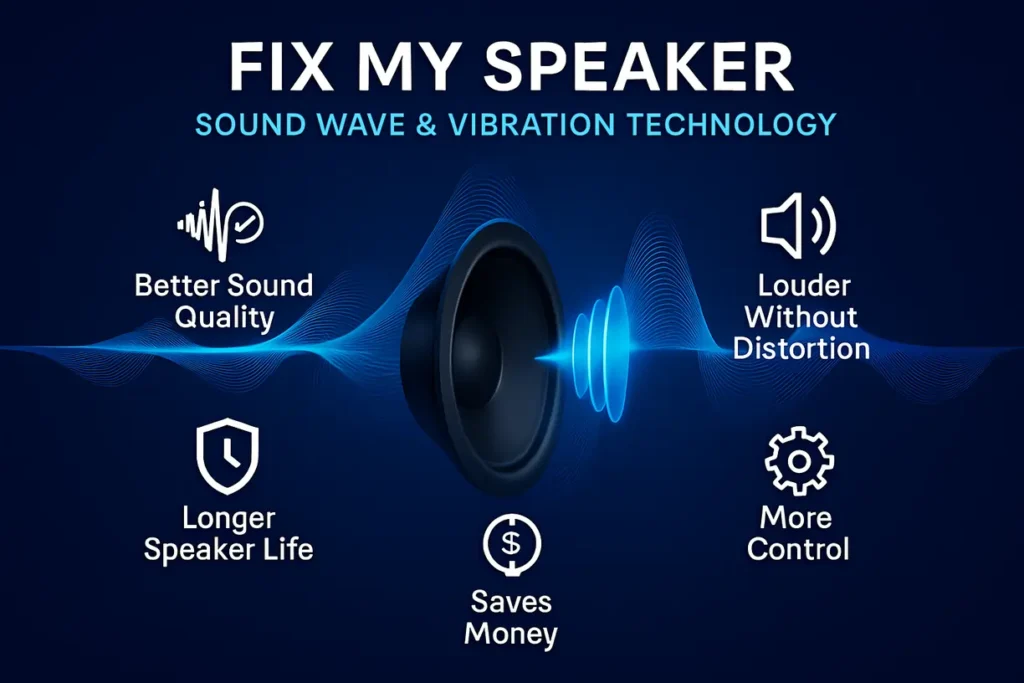
Fix My Speaker’s sound wave and vibration method makes audio louder and cleaner safely. It’s a simple solution to enjoy better sound without buying new speakers.
DIY Speaker Volume Repair: When to Try It and When to Call a Professional
Fixing your speaker volume at home can be useful, but not every issue should be handled on your own. Knowing when to try a quick DIY repair and when to call an expert keeps your device safe and your sound quality clear.
When to Try DIY
- Simple Problems: Loose speaker wires or minor connection issues are often easy to fix.
- Some Knowledge: If you understand basic electronics, tasks like light soldering can be managed.
- Easy Parts: When replacement parts such as cables or small components are accessible, DIY repair works well.
When to Call a Professional
- Complex Issues: Internal circuit problems or damaged voice coils require expert tools and skills.
- Warranty Check: If your speaker is still under warranty, it’s safer to let the brand handle repairs.
- High-End Systems: For premium audio equipment, professionals ensure proper repair and protect long-term performance.
Conclusion
Fix My Speaker Volume makes it easy to bring back clear sound without complicated steps or extra costs. Its simple design and smart technology ensure your speakers stay loud and clear.
By using it regularly, you protect your device and enjoy smoother audio every day. It’s a quick fix that keeps your music, calls, and videos sounding their best.